Gemini's Mac app is getting Spark and voice control this summer — what builders should know
Google previewed at I/O 2026 that the Gemini macOS app will gain the Spark agent and a long-press voice-control feature this summer. Spark hits Android/iOS/web in beta next week, Mac later. Here is what shipped, who can use it, and how it changes the Mac builder workflow.
At I/O 2026 Google previewed two summer updates to the Gemini app for macOS: the Spark agent (the same 24/7 personal agent we wrote up in our Spark deep dive on keynote day) and a voice-control mode that turns the function key into an OS-wide dictation handle. Both were demoed in last night’s 9to5Google report from I/O day three.
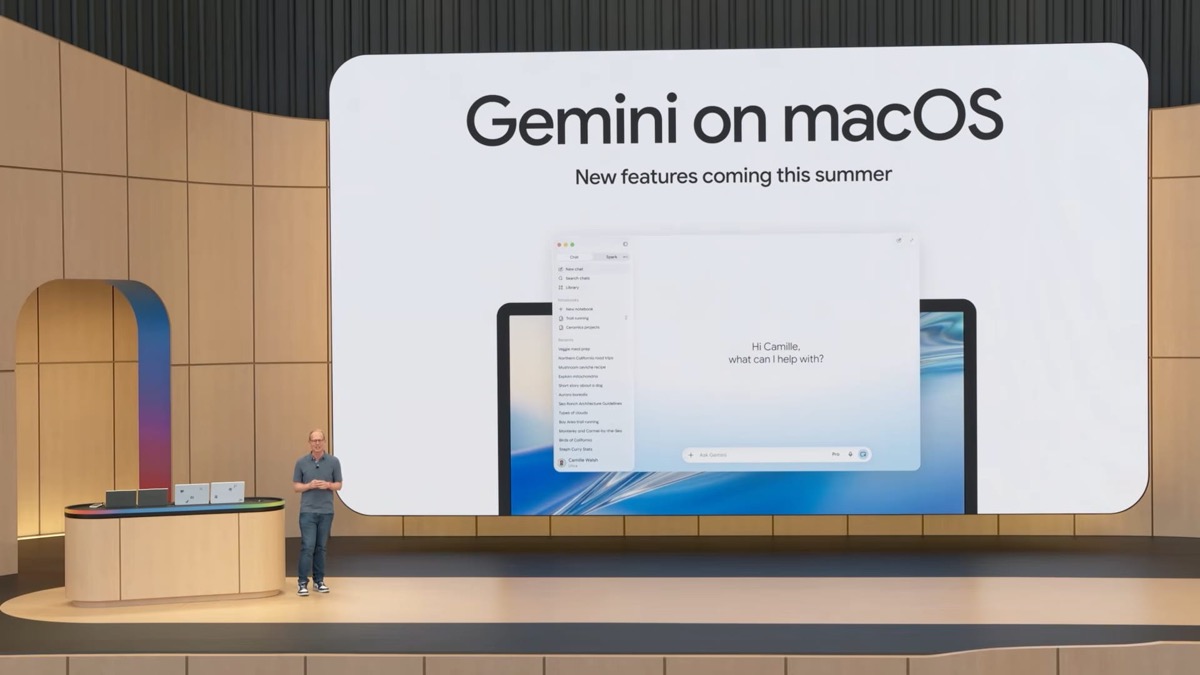
What was announced
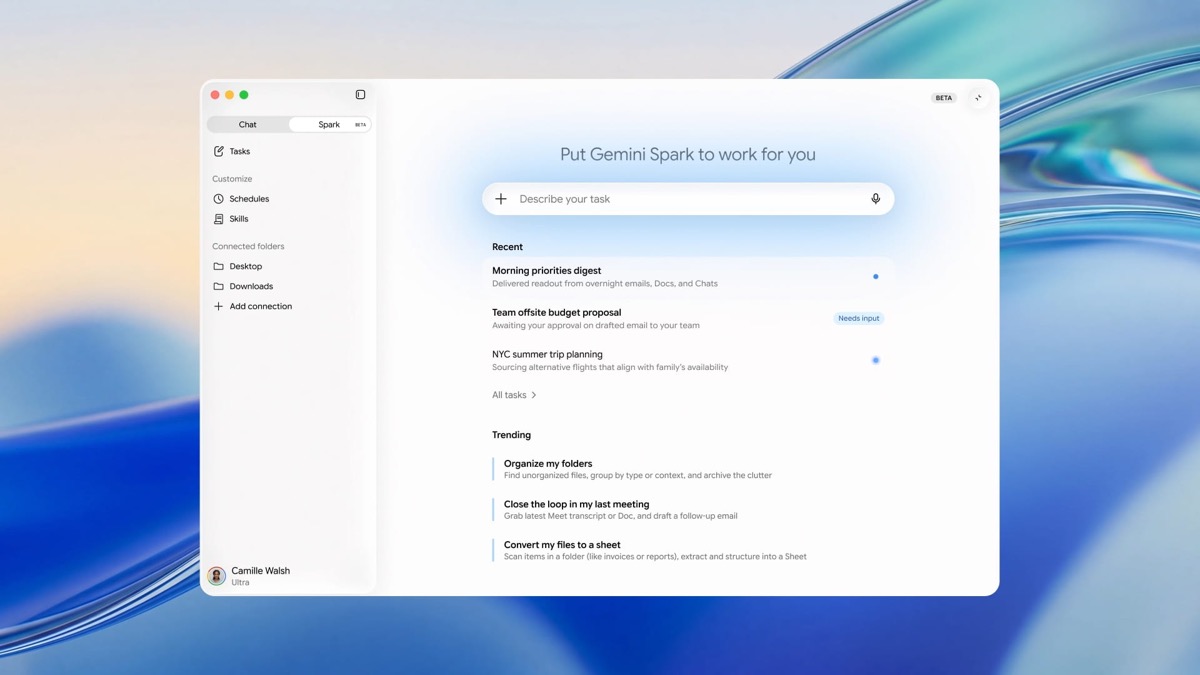
Spark on Mac. Spark — the 24/7 personal agent running on its own Google Cloud VM rather than on your device — launches in beta next week on Android, iOS and the web for Google AI Ultra subscribers ($100/month), and then arrives on macOS later this summer per 9to5Google. The Mac build is positioned as the same product, not a feature-reduced port: it integrates with Gmail, Docs and the rest of Workspace, plus the third-party connectors Spark already supports on phones.
Voice control on Mac. The new control surface is a long-press on the function key that opens a floating pill at the bottom of the screen. Google’s framing is that the pill should let you “ramble” — Abner Li quotes Google saying users “won’t have to worry about all the ‘ums’ or ‘what abouts’ that happen as you think aloud.” The model then reformats the speech into a clean draft and inserts it at the cursor.
The demoed end-to-end example was: select files in Finder → long-press fn → dictate an email about those files → Gemini auto-opens Gmail compose with a clean draft already inserted.
What this means if you build on a Mac
Two things matter more than the keynote framing:
- Spark on Mac will be the cleanest 24/7 agent target outside Anthropic’s Claude with Computer Use. Because Spark runs on a Google Cloud VM and not on your laptop, it keeps working through
pmset sleep, lid-close, and end-of-day shutdown. That is a real change from Cursor, Claude Code, or Antigravity 2.0’s local desktop app — all of which need your machine awake. If your current prototype is ascreensession on a Mac mini just to keep an agent alive, Spark obsoletes that pattern. - The fn-key voice flow is system-wide. It inserts at the cursor in any app — Mail, Slack, your editor — which is the surface Apple has been trying to give Apple Intelligence with mixed results.
Spark is Google AI Ultra only ($100/mo). Voice control is presented as a Mac-app feature with no Ultra requirement stated, but Google has not formally confirmed.
Caveats
- Google has not given an exact Mac release date, only “later this summer.” Treat any specific week as guesswork.
- The 9to5Google demo is a Google-produced product video, not a hands-on. The “ramble friendly” claim has not been independently tested at press time.
- If you already pay for Antigravity 2.0 / AI Ultra, see our note on the Antigravity 2.0 auto-update — the same $100/mo plan that unlocks Spark also covers Antigravity tier limits.
How to act on this
If you were going to start a personal-agent project this weekend, the rational move is to wait one week for the Spark web/iOS/Android beta, test what tasks it actually finishes, and only then decide whether the Mac arrival is worth pre-paying for AI Ultra.
Our full 7-minute guide to Spark → covers what the agent already does on the cloud side, model selection (see our Gemini 3.5 Flash guide), and the realistic limits of unattended 24/7 agents in 2026.
Sources
Source: 9to5Google